Ninety days from now, you'll be ninety days older.
Might as well have something to show for it.
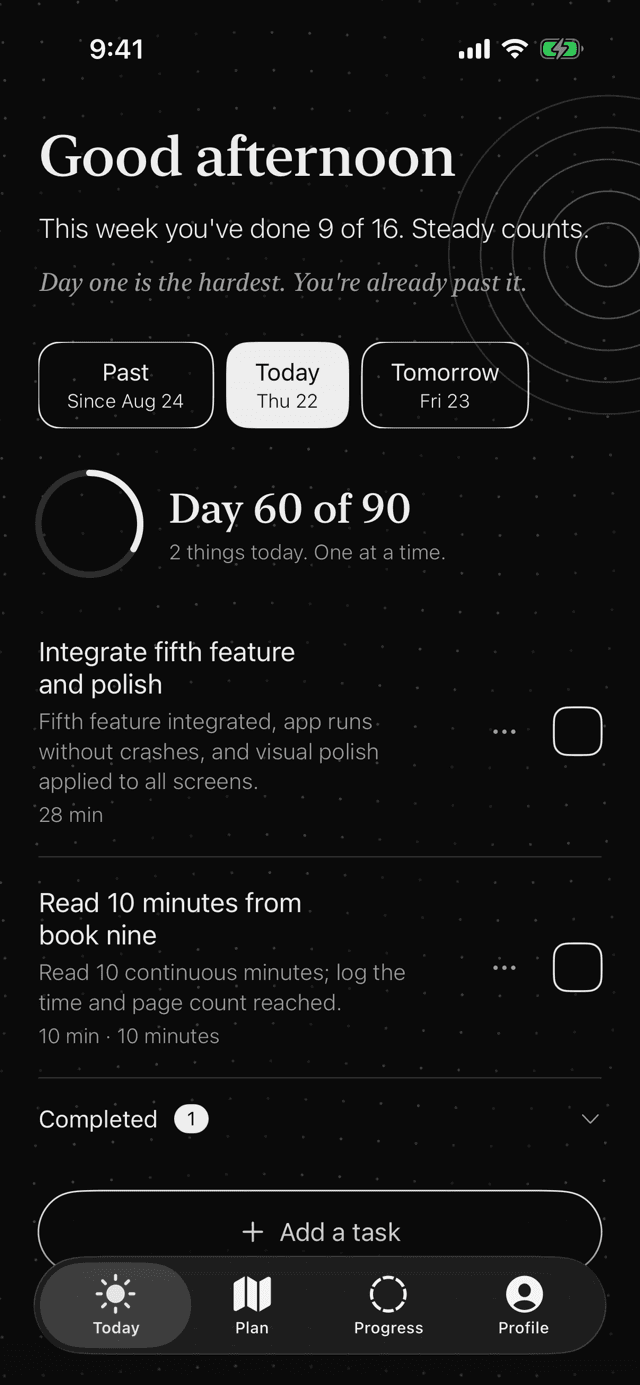
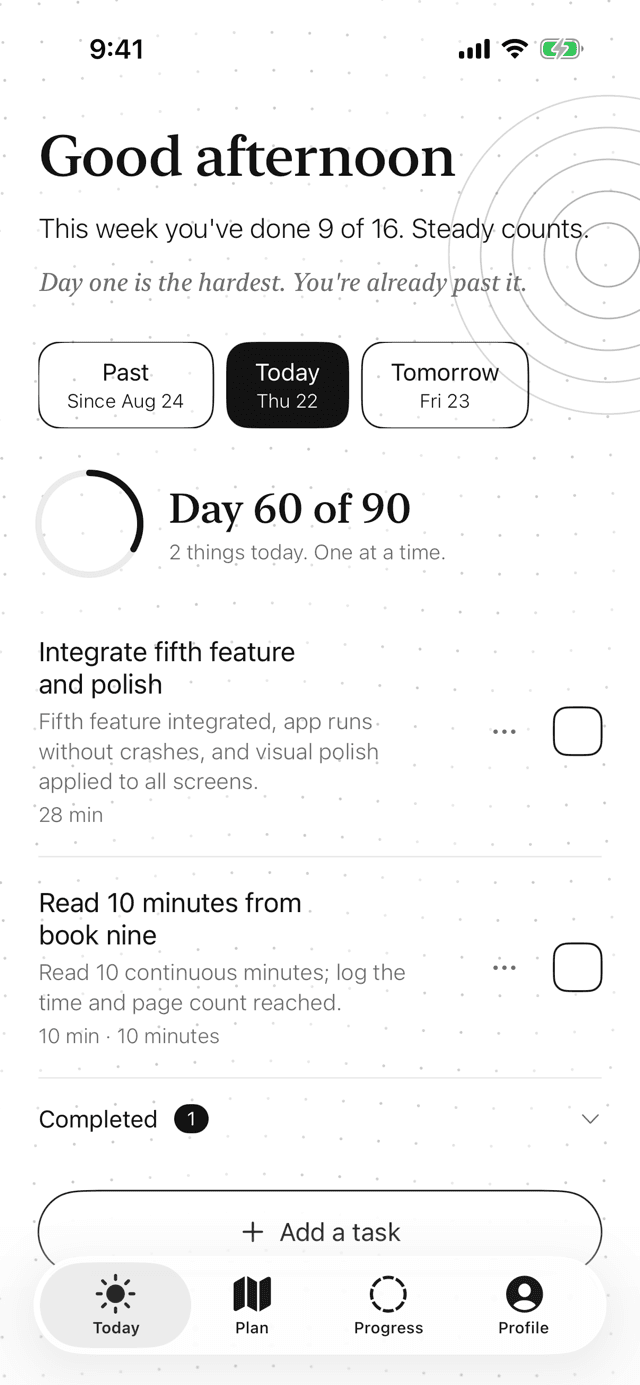
Plan90 turns what you want into a plan, then hands you a list each morning that's short enough to actually finish.
See where day 90 takes you.
Every plan starts where you are today, not where someone on the internet is. Pick one and watch it play out.
Examples. Your plan is written from your own answers, at your own pace.
Step one
First, it asks a few nosy questions.
Before it writes a single task, Plan90 wants to know where you are and where you want to get to. Then it asks what got in the way last time, because that's usually where the real plan is.
Tap an answer or type your own. Try it here.
First question
How far can you run today without stopping?
So your first runs start where you are.
A demo with canned replies. In the app the questions are written for your goal, and so are the replies.
Step two
A day in the plan. Scroll slowly, it's a calm one.
7:40
The list shows up.
Around the time you usually start, because Plan90 learned when that is. Two things today, about 25 minutes.
8:15
You do one.
Tick the box. That's the whole interaction, and it's weirdly satisfying.
13:00
Lunch ran long.
Swipe the other task to tomorrow. Each task can move once, because twice is how a task becomes furniture.
21:30
Nothing happens.
You're done for the day, so Plan90 says nothing. No reminder, no sad face, no little red badge. Silence is the feature.
Step three
The boring parts run themselves.
You do the tasks. Plan90 does the admin, including the parts you'd rather not think about. Here's a week, played back in a few seconds.
- You tick what you did.That's your whole job.
- A missed task stays missed.No pretending, and no pile on tomorrow.
- Leftovers find a lighter day.Anything still open moves to the end of the week.
- Next week writes itself.Before it starts, knowing how this one went, and a note lands in your inbox.
Every day is a square.
A plan has three parts, each with a milestone, and every day gets its square. A missed day stays missed and the plan carries on, which is more than most New Year's resolutions manage.
Pick how long. We kept the name either way.
The classic. Three parts of thirty days.
Coming soon
Plan90 on your desktop.
Your plan on a bigger screen, for the days you live at a desk. It's on its way, and we'd rather it was good than early.
- Every day of your plan on one screen
- Make a plan with a proper keyboard
- The same account, nothing to install
- A tick on one shows on the other
We'll say so in the app and on the Updates page the day it's ready.
Small things that make the list easier to keep.
Today
One short list each morning, with square boxes that are oddly satisfying to tick.
MoreWidgets
Today on your Home Screen and Lock Screen. Tick it there. The app won't be offended.
MoreNotifications
It reads your day before it says anything, and keeps quiet when you're done.
MoreProgress
Done days fill in, a note arrives each week, and there's a card to share if you feel like it.
MoreA fresh start
Plan not working? Start over. Lifelines keep it a real decision.
MoreTen languages
Ten languages, right to left where it should be, and text that grows with your settings.
MorePrivate
No ads, and nothing you tell it is sold. Delete your account from inside the app whenever you like.
MoreEverything else
Every feature on one page, plus a short list of things Plan90 refuses to do.
See it all
Anyone with a goal and about ten minutes.
- For new runners
From the sofa to 5 km, one short run at a time.
Every running plan assumes you have a sofa and a plan. You definitely have the sofa.
By day 90: Run 5 km without stopping
Read on - For people who used to read
Six books in ninety days, twenty pages at a time.
The books are on the shelf. They can see you.
By day 90: Six books finished
Read on - For New Year resolutions
Make it to February. Then keep going.
A lot of resolutions are gone by the middle of January. Ninety days from 1 January takes you to 31 March, one short list at a time.
By day 90: The resolution, still going on 31 March
Read on - For students
The thesis, in pieces small enough to start.
A deadline is a lot of small days pretending to be one big scary one.
By day 90: A full first draft of the thesis
Read on - For language learners
From pointing at the menu to ordering from it.
Ten words a day sounds tiny. Ninety days of it is a small dictionary.
By day 90: A real conversation in the language
Read on - For writers
Finish the draft. The bad first one counts.
The novel is nearly done. In your head.
By day 90: 36,000 words of draft
Read on
Useful even without the app.
- Builder
Goal sharpener
Turn a fuzzy wish into a goal with a finish line, three milestones and a first step for today.
Open - Calendar
Your 90 days on a calendar
Pick a start date. See every day of the plan, the milestone days, and add them to your calendar.
Open - Builder
When and where planner
Tie your goal to something you already do every day. The simplest trick there is for actually doing it.
Open - Guide
How to pick a goal you'll actually keep
Something you can see from here, a bit too small, and yours.
Read - Guide
What to do when you miss a day
Nothing dramatic. Here's what actually helps.
Read - Guide
Why small tasks beat big plans
Big plans feel great on Sunday night. Small tasks get done on Tuesday.
Read
Questions people actually ask.
Why ninety days?
Long enough for something real to change, short enough to see the finish from the start. You can also pick anything from 30 to 120 days. We kept the name.
How many goals can I have?
A few. Three is the sweet spot, and the first one gets most of your daily time. Goals you don't pick now wait for your next plan.
What happens when I miss a day?
It's marked missed and tomorrow is a fresh list. What's left of the week moves to the lighter days at the end of it. Nothing flashes, nothing cries, and nobody sends you a guilt trip at eleven at night.
Can I use it on my computer?
Not yet. Plan90 on your desktop is coming soon, with the same account and the same plan. We'll announce it in the app and on the Updates page.
Does the AI do the tasks for me?
Sadly no. It writes them. The doing is still yours. We looked into it.
How long does setup take?
A few minutes. A few questions per goal, a couple about your time, and the plan is written while you finish the last screen.
What does it cost?
Nothing until 31 December 2026. The Pricing page has what happens after that.
Is there an Android version?
Not yet. Plan90 is made for iPhone, and the desktop is on its way.
What happens to what I tell it?
It's used to run your plan. No ads, and nothing you tell it is sold. Delete your account from inside the app whenever you like.
Day one could be today.
Start before 6 pm and today is day one, with one small task of about ten minutes. Everyone has ten minutes. Even you.